
Search BuildOn Homebase in the Apple AppStore or Google Play Store.
Download the app.
Click Below To Download!
Track the Status of Product Installations and Service Orders, Anytime and Anywhere


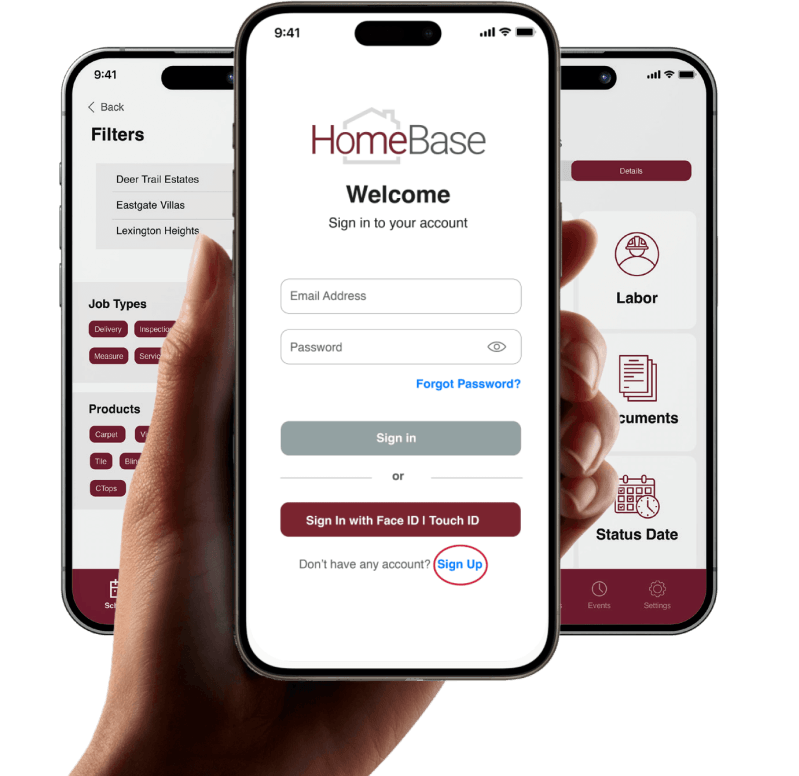
HomeBase Onboarding
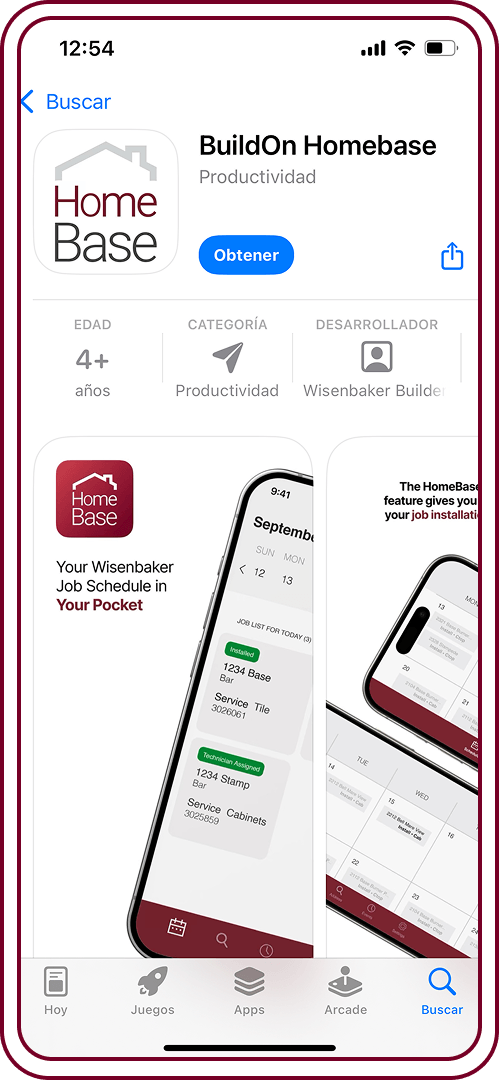
STEP 1
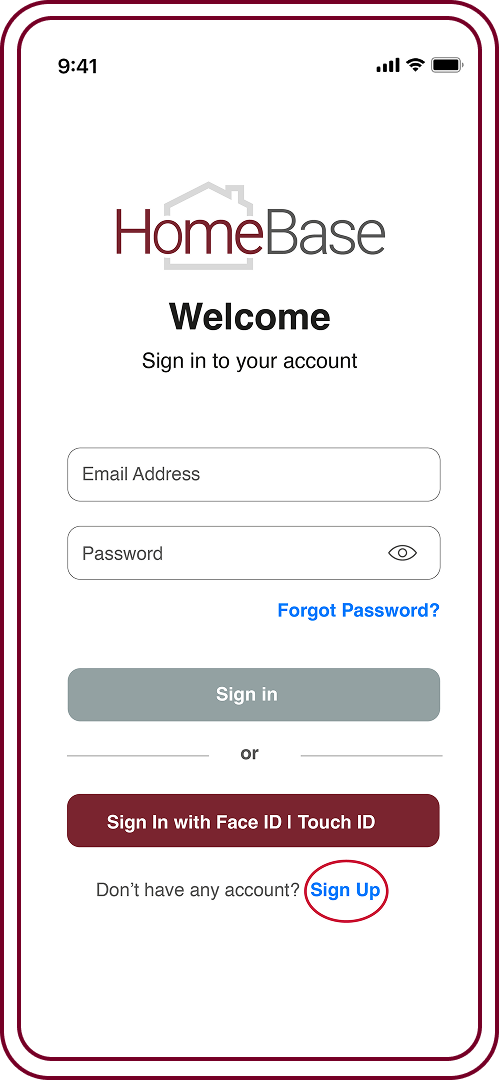
STEP 2
Once downloaded, go to the bottom of the screen and click Sign Up. Enter your name and work email address.
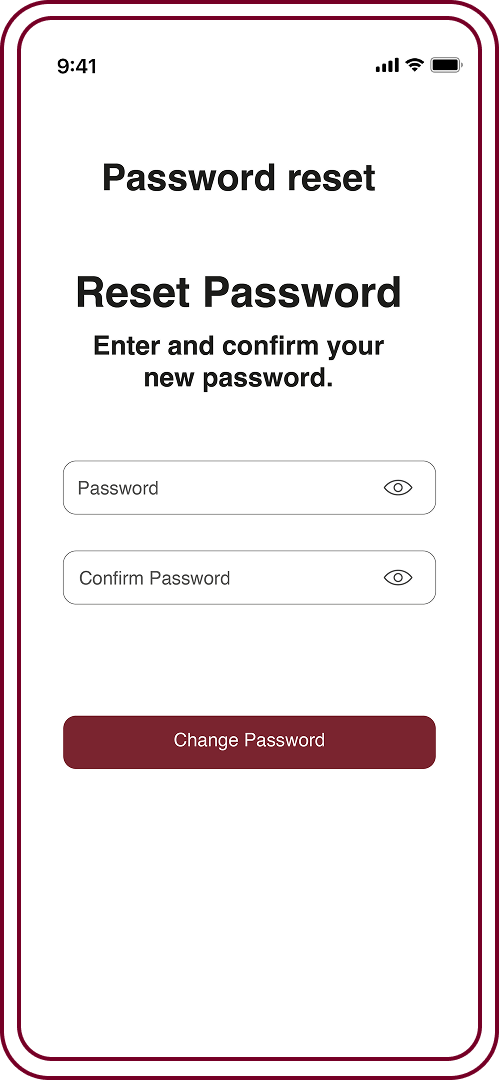
STEP 3
On the SAME DEVICE you have the app, go to your email to find a link to set your password. Link will reopen your app, allowing you to set your password.
STEP 4
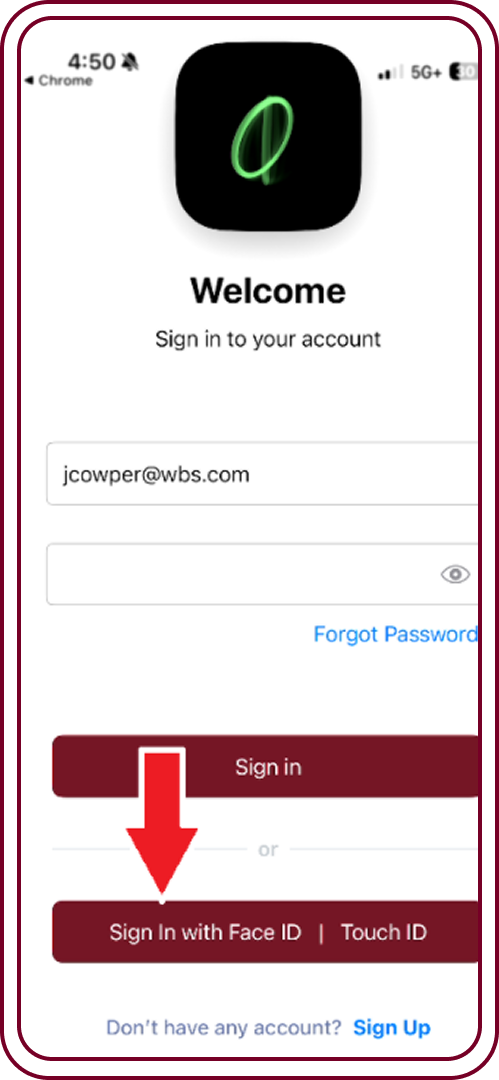
Please allow BioMetrics when prompted to during login, which will allow you not to have to remember your password (uses face or thumb recognition).
STEP 5a
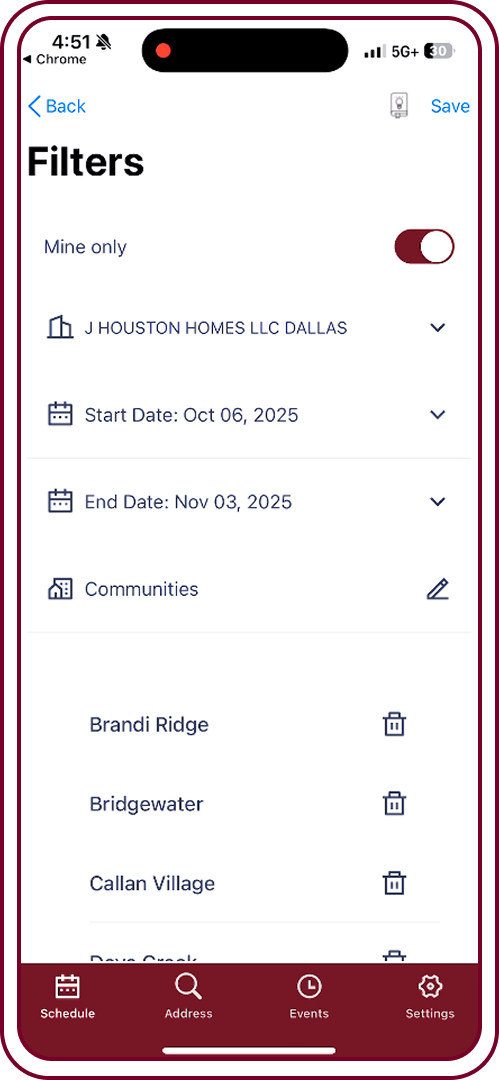
Most superintendents will prefer to turn on the filter of Mine only, which filters results to only the addresses for which you are a CRM contact.
STEP 5b
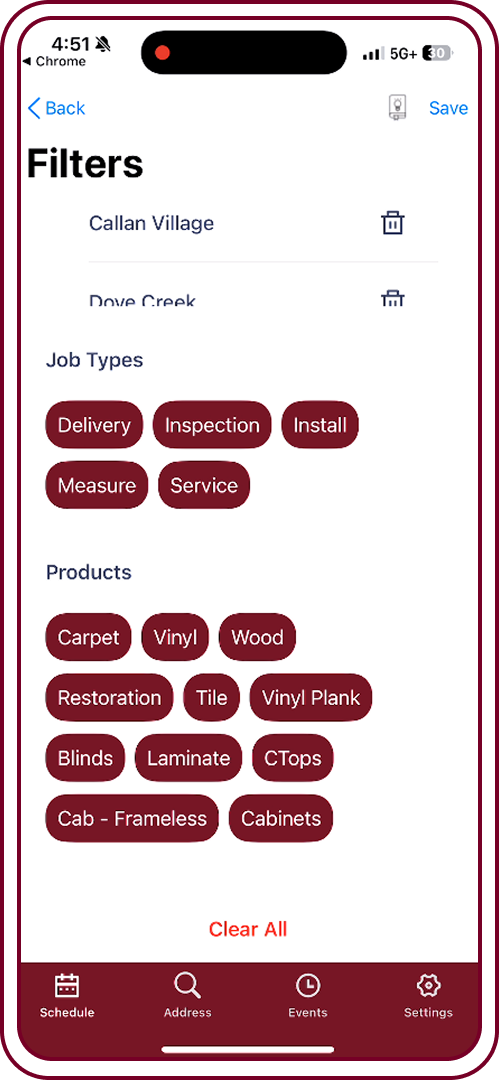
You can then filter down to see specific order types, products, or communities, making sure to hit “save” to activate that filter.
STEP 5c
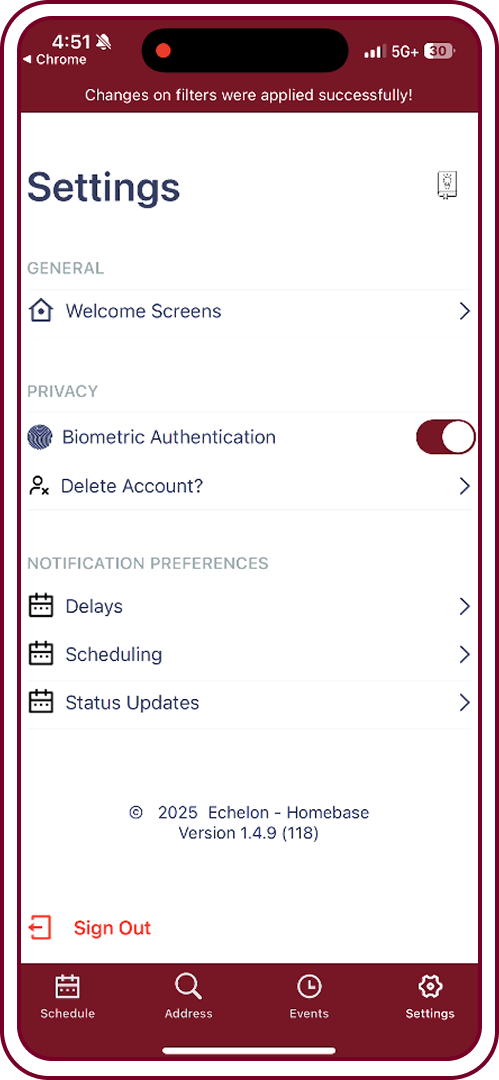
After your initial login, the app will default to show the day’s activities based on your filters. You can also go to Settings to set alerts and notifications as they happen in real-time.
Features and Benefits
If you have any technical problems or questions, please contact your designated WBS field operations manager.

REAL TIME UPDATES
Track Wisenbaker Builders Services installations and service orders in real-time using the HomeBase App from the convenience of your mobile device.
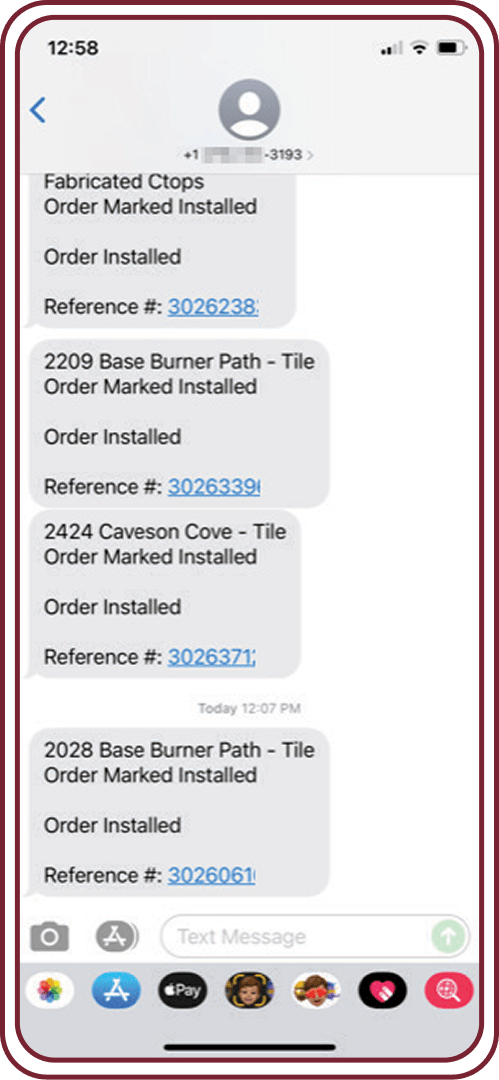
CUSTOMIZE YOUR JOB ALERTS
You can choose to receive text messages, emails, or phone alerts with any job status, as it happens and when you need it.

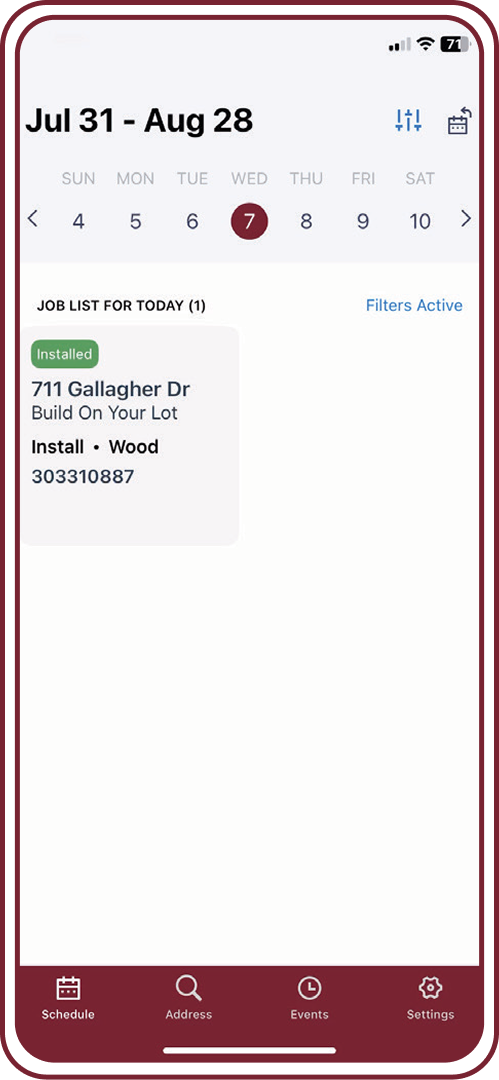
JOB INSTALLATION SCHEDULE
The HomeBase calendar feature gives you visibility into your job installation schedule. You have the benefit of planning ahead for the next day’s work or the next week.
SUBMIT A SERVICE REQUEST
Submit a service request from your mobile phone.

Stay in Control, Every Step of the Build
HomeBase keeps your construction team connected and on track. With real time updates on installations and service orders, you’ll cut out phone tag, improve communication, and boost productivity right from your mobile device or tablet.
Make Your Job Easier, Anytime and Anywhere

Job Details
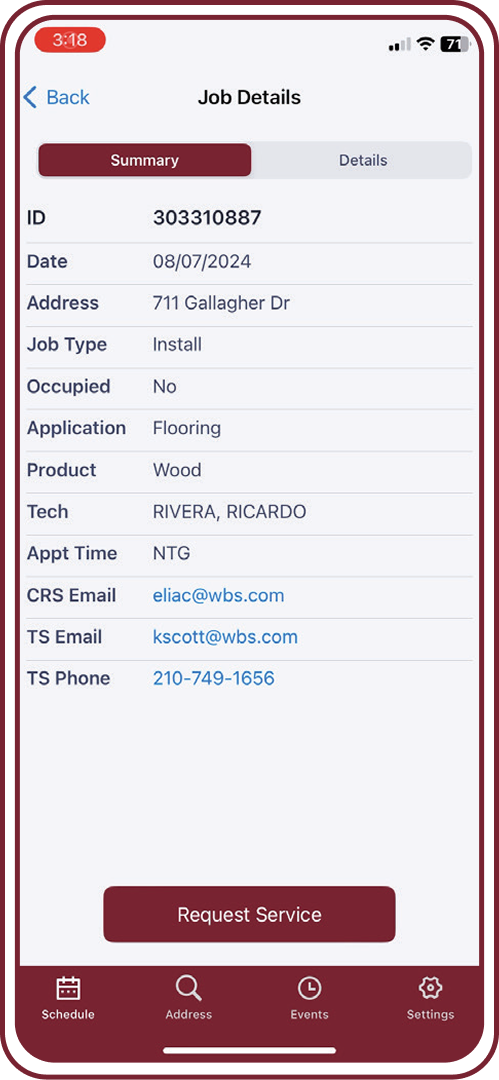
View information specific to each job regarding materials, labor, and more.

Job Summary
No more guessing! Easily call or email your point of contact for each job.
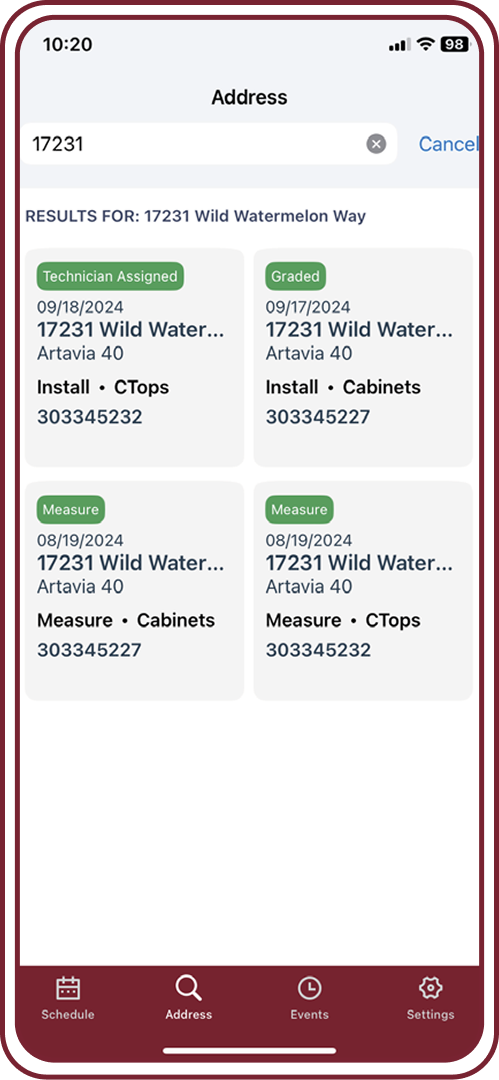
Address Specific
View or take a screenshot of all product installs at one time.
Submit a Service Request
1. SELECT JOB

2. CLICK REQUEST SERVICE
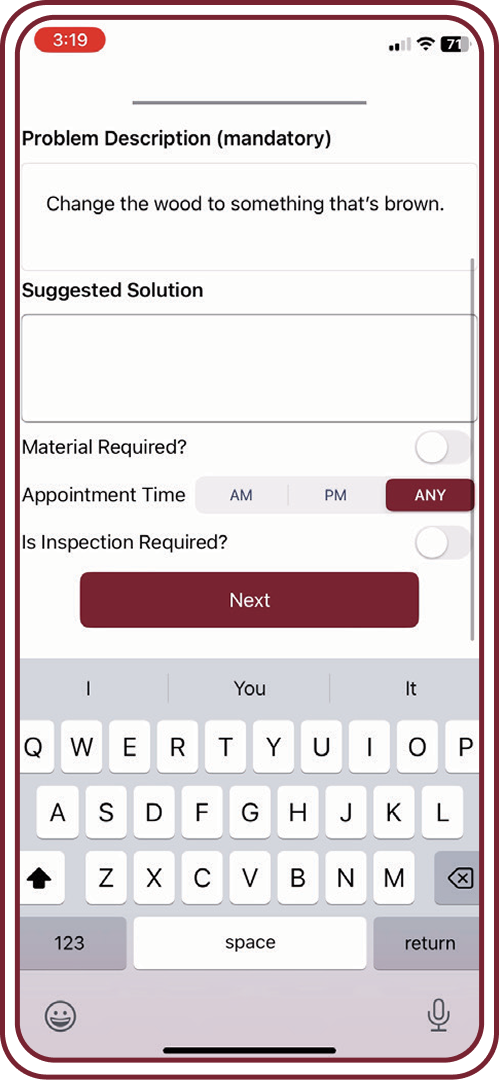
3. ENTER PROBLEM DESCRIPTION, THIS PART IS MANDATORY
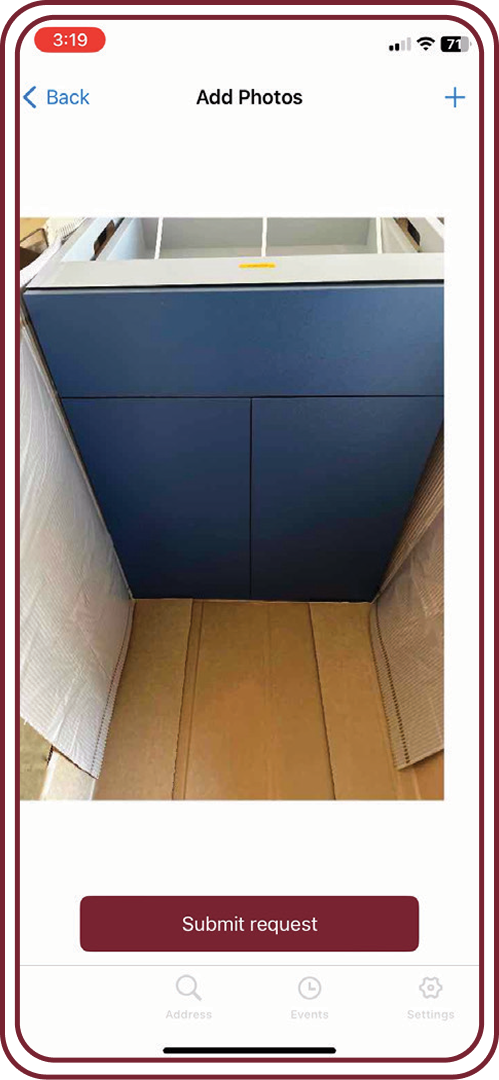
4. UPLOAD PHOTOS AND SUBMIT REQUEST
Close on Time, Every Time with HomeBase
HomeBase keeps builders in control with real-time updates on installations and service requests. By improving communication and boosting productivity, your team can focus on building effectively and staying ready for every closing.


